Segmented downloads
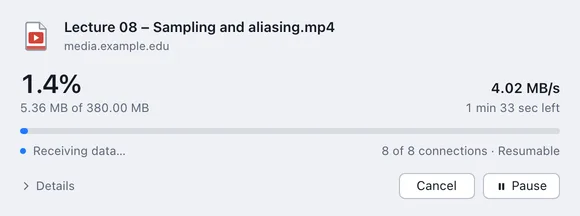
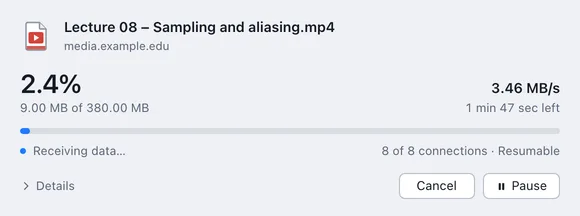
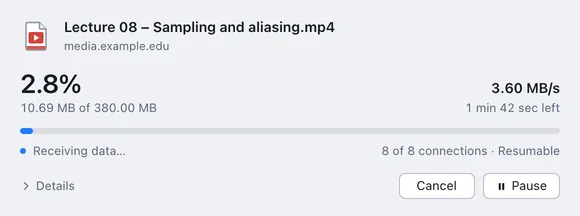
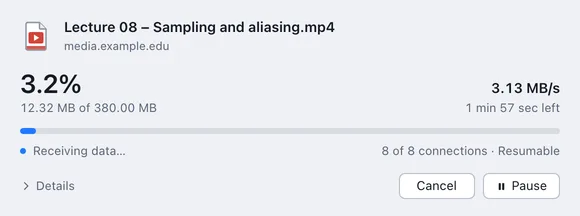
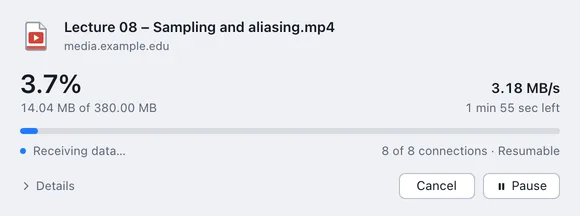
Up to 32 connections per file. Haul starts with one and keeps adding more while every one of them is receiving.
Haul splits each file across up to 32 connections, picks up right where it stopped after a dropped line or a restart, and takes over downloads straight from your browser.
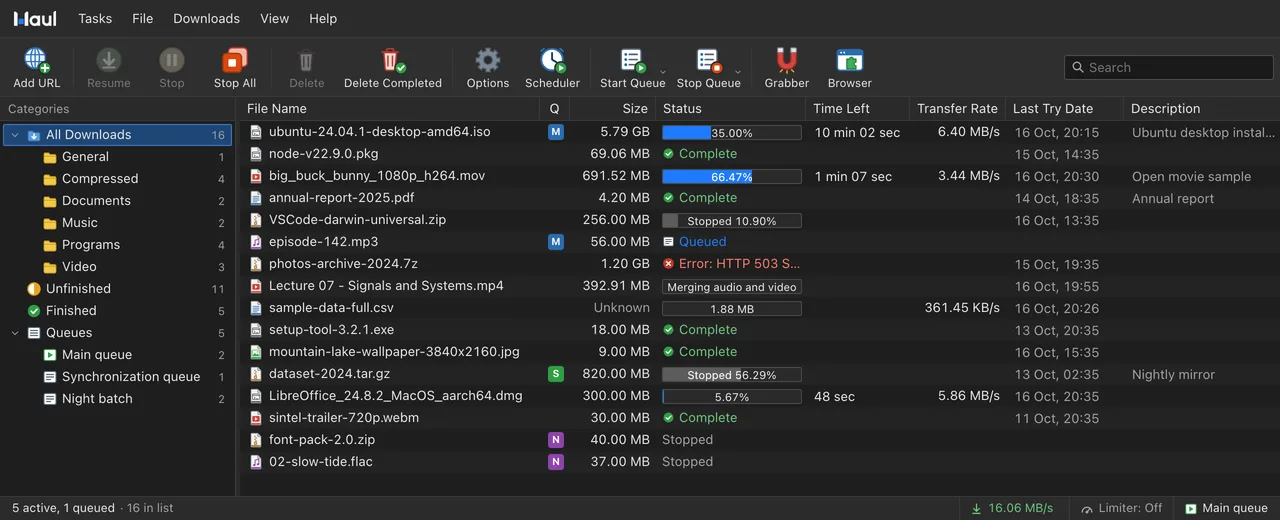
The same eight themes as the app, or let Haul follow Windows' light and dark setting.
Everything a serious download manager needs, in one window that stays out of your way.
Up to 32 connections per file. Haul starts with one and keeps adding more while every one of them is receiving.
Dropped Wi-Fi, a sleeping laptop or a restart. If the file changed on the server, Haul starts fresh instead of splicing it.
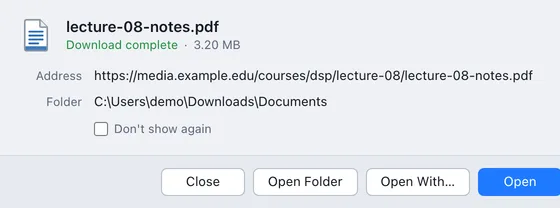
Catches downloads by file type in eight browsers, with right-click menus and a Download video button on media pages.
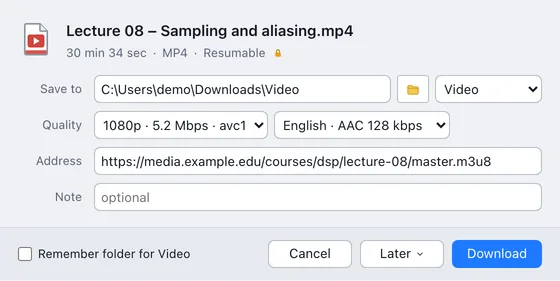
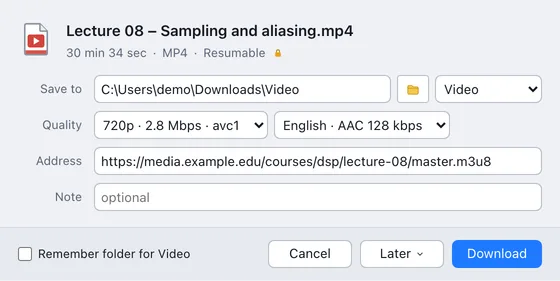
HLS and DASH streams, and videos from many sites, saved as a single file in the quality you pick.
Run queues on the weekdays you choose, cap them with a quota, then sleep or shut down when they finish.
Crawl a site and collect every file that matches your rules, saved as a project you can run again.
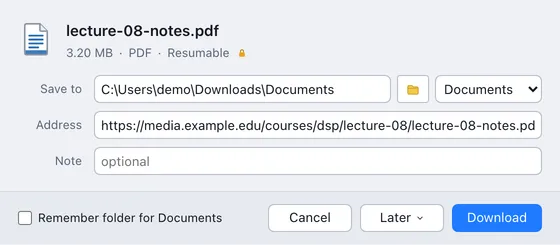
Same file, same connection. Haul splits it into parallel streams, and when the line drops it picks up exactly where it stopped.
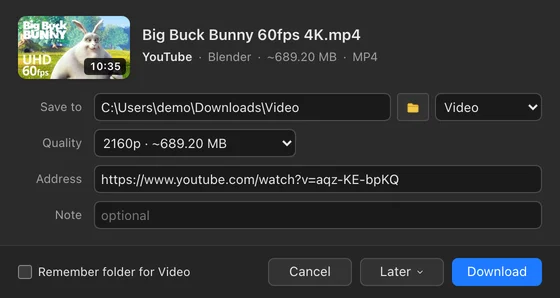
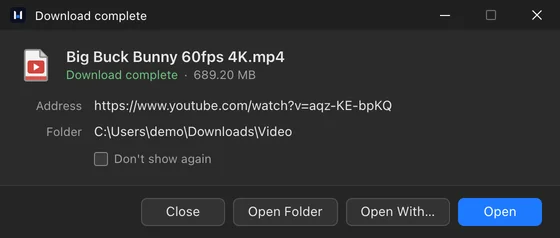
Paste a page's address, or click Download video on the player. Haul lists every quality the site has, then saves picture and sound as one file.
Recognises YouTube, Vimeo, X, Instagram, TikTok, Facebook, Twitch, Reddit, Dailymotion, Bilibili, SoundCloud and Streamable.
Video shown: Big Buck Bunny, © Blender Foundation, CC BY 3.0.
The first time Haul starts, it connects to every browser it finds. Nothing to configure.
Ten languages that follow your system and switch live, from the tray menu to the browser extension.
Everything people ask before they install Haul.
All questionsStill unsure? Email us and we'll answer.
Windows 10 and 11, 64-bit. A macOS version is on the way.
Yes. Every release is built automatically from the same source, and Haul checks the signature of each update before installing it. No ads, no toolbars, no bundled offers.
Haul's installer isn't code-signed yet, so SmartScreen doesn't recognise it. Choose More info, then Run anyway.
It's built to stay out of the way: the engine is native code and the window only redraws what changes. Set a speed limit if you want browsing and calls to keep the bandwidth.
Haul picks up where it stopped, as long as the server allows resuming, which most do. If the file changed on the server meanwhile, it starts over instead of mixing two versions.
Chrome, Edge, Brave, Vivaldi, Opera, Arc, Helium and Firefox.
Yes. It saves HLS and DASH streams, and videos from many sites through the yt-dlp that comes with it, in the quality you pick.
Yes. Haul imports IDM's .ef2 export lists, with their referrers and cookies, as well as plain text lists and any file full of links.
Haul checks shortly after it starts and every six hours, verifies the signed update and restarts. Running downloads carry on in the new version. You can turn this off in Options → General.
Only anonymous usage statistics, and you can turn them off. There are no accounts and no tracking. Haul sends its version, the Windows release, build and edition, the processor type and how many downloads finished or failed, never addresses or file names. Statistics are on by default; Haul shows a one-time notice, and Options → General turns them off at any time, which deletes Haul's random install number. The privacy policy has the details.
An installer or a portable ZIP. All downloads
Tell us on the feedback board. Upvote what others asked for, and follow every report from Under review to Done.
See the board and roadmapHow a report moves
Most upvoted right now